> ## Documentation Index
> Fetch the complete documentation index at: https://docs.churningtracker.com/llms.txt
> Use this file to discover all available pages before exploring further.
# Point loans
> A ledger for points you've lent to friends and family, and what they've paid back.
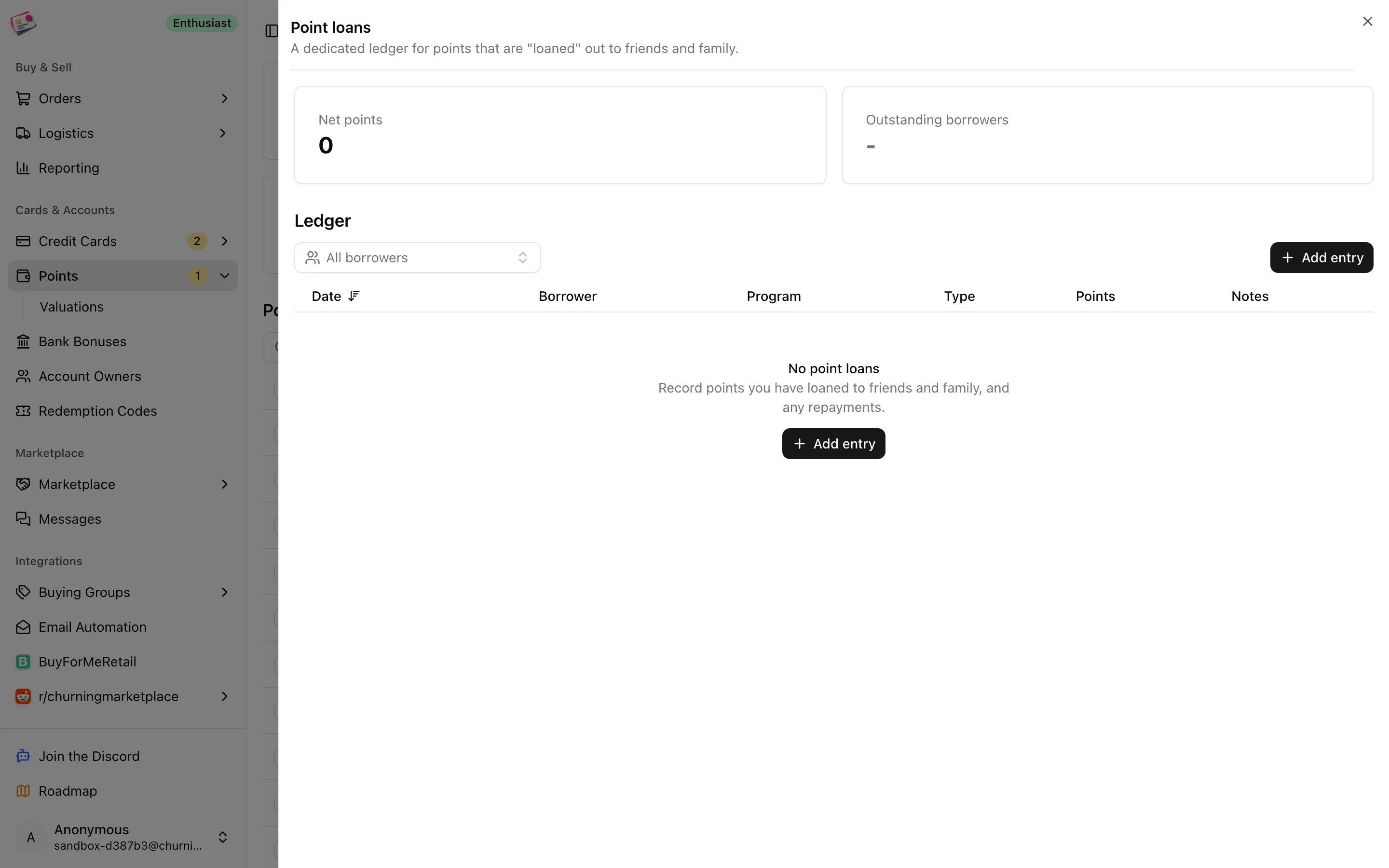
If you book travel with your points for other people and settle up later, the point loan ledger keeps score. It's a standalone ledger under **Points → Point loans** and doesn't touch your balances or reports.
 ## Record a loan or a repayment
On the Points page, click **Point loans**, then **Add entry**.
A loan adds to what the borrower owes; a repayment subtracts from it.
Pick the borrower, program, and date, and enter the number of points. Notes are optional. Borrowers are managed under **Manage borrowers**, up to ten, each with a name and color.
Click **Add loan** or **Add repayment**.
## Reading the ledger
The stats at the top show **Net points**, loans minus repayments, and **Outstanding borrowers**, anyone whose net isn't zero. Filter the table by borrower to see one person's running tab. Every entry can be edited in place or deleted, and the total row updates as you go.
Keep your actual balances up to date on the [Points](/cards/points) page; the ledger won't adjust them for you.
This documentation is built and hosted on [Mintlify](https://mintlify.com), a developer documentation platform.
## Record a loan or a repayment
On the Points page, click **Point loans**, then **Add entry**.
A loan adds to what the borrower owes; a repayment subtracts from it.
Pick the borrower, program, and date, and enter the number of points. Notes are optional. Borrowers are managed under **Manage borrowers**, up to ten, each with a name and color.
Click **Add loan** or **Add repayment**.
## Reading the ledger
The stats at the top show **Net points**, loans minus repayments, and **Outstanding borrowers**, anyone whose net isn't zero. Filter the table by borrower to see one person's running tab. Every entry can be edited in place or deleted, and the total row updates as you go.
Keep your actual balances up to date on the [Points](/cards/points) page; the ledger won't adjust them for you.
This documentation is built and hosted on [Mintlify](https://mintlify.com), a developer documentation platform.