
How the pieces fit together
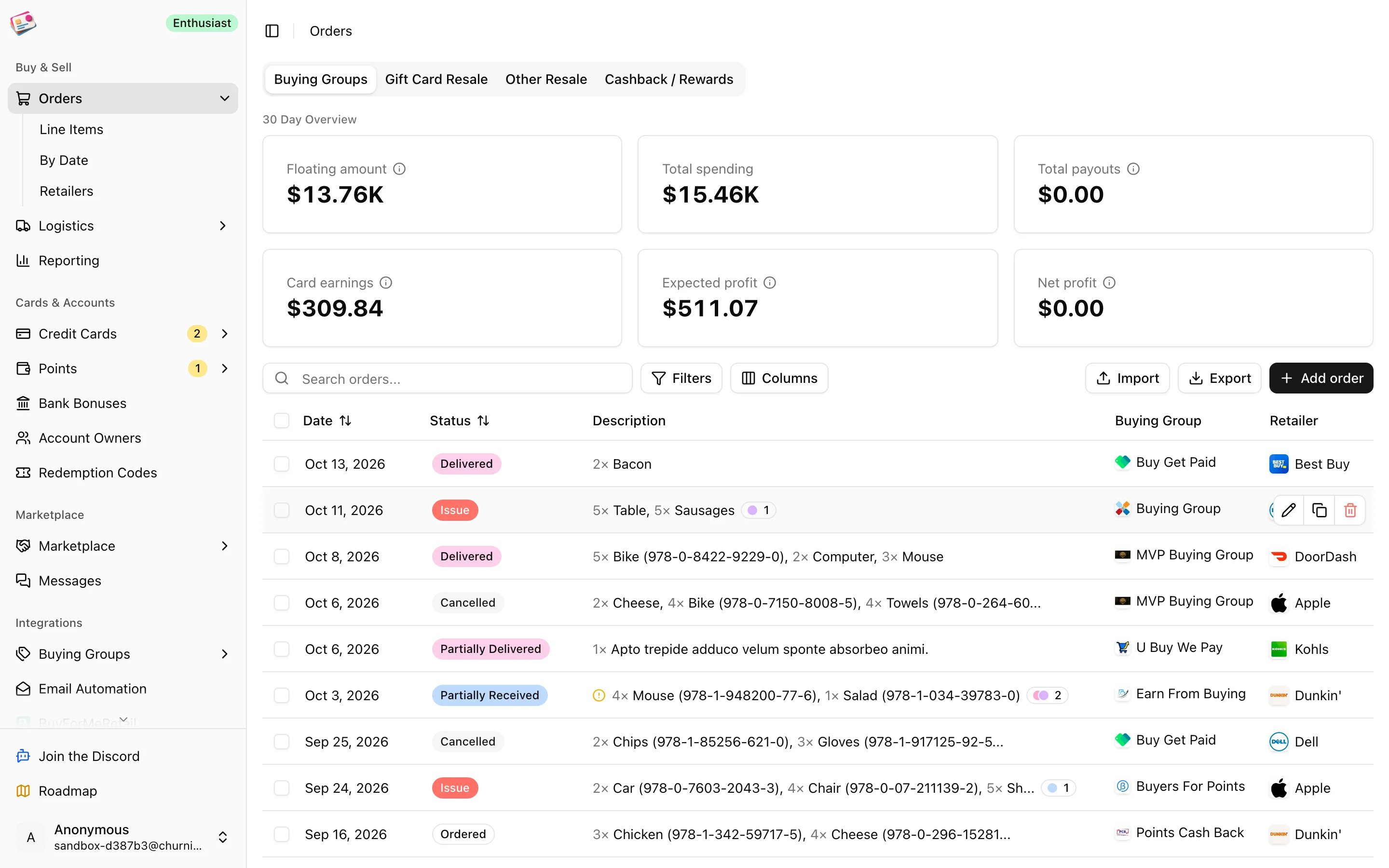
Everything hangs off an order. An order has line items, a retailer, and usually a credit card. Tracking numbers attach to the order as shipments. Payouts link to the order, down to individual line items when one payout covers part of an order. Reporting adds all of that up over a date range. The card you paid with, your point valuations, and any portal cashback feed into each order’s profit, so the Cards and accounts section matters even if you only care about buying groups.Quickstart
Set up owners and cards, add your first order, and connect a buying group.
Orders
The four order types, the orders table, statuses, and the order details panel.
Importing orders
Bring orders in by CSV, the Chrome extension, or email automation.
Shipments and payouts
Automatic tracking updates and payout reconciliation.
Buying groups
Connect your groups, browse deals, set alerts, and submit tracking.
Cards and accounts
Credit cards, benefits, bank bonuses, points, owners, retailers, and codes.
Marketplace
Buy and sell points, vouchers, and credits with other churners.
Reporting and exports
Spending, payouts, card earnings, and profit, plus CSV exports.
Try it without an account
The sandbox creates a temporary account filled with sample data so you can click around. Sandbox accounts are deleted after a day or two and can’t use the Marketplace or upgrade to a paid plan. When you’re ready, sign in with Google, a passkey, or an emailed code at app.churningtracker.com.Getting help
- Use Report a Bug or Feature Request in the user menu at the bottom of the sidebar.
- Join the Discord from the sidebar.
- Email info@churningtracker.com.