
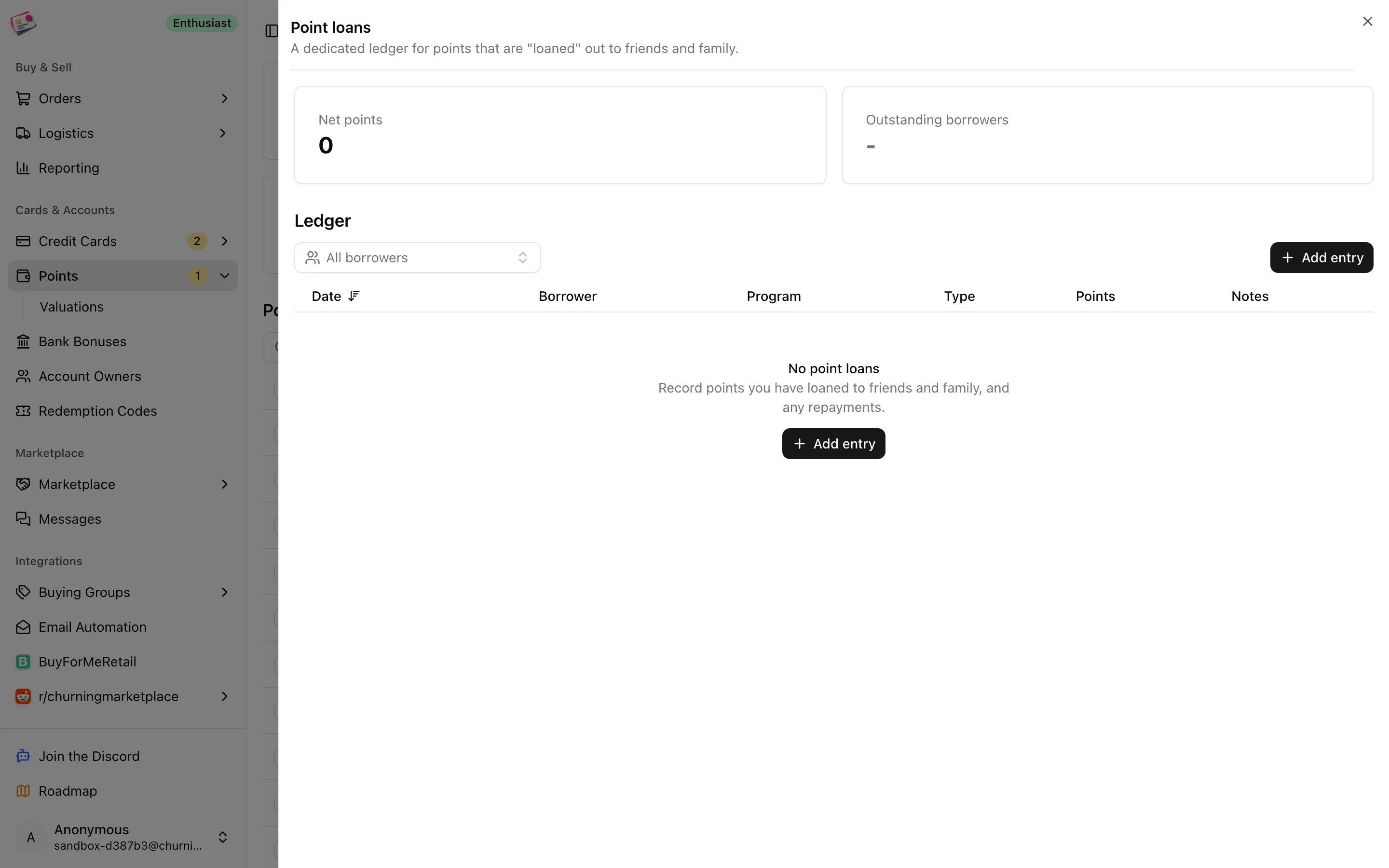
Record a loan or a repayment
1
Open the ledger
On the Points page, click Point loans, then Add entry.
2
Choose Loan or Repayment
A loan adds to what the borrower owes; a repayment subtracts from it.
3
Fill in the entry
Pick the borrower, program, and date, and enter the number of points. Notes are optional. Borrowers are managed under Manage borrowers, up to ten, each with a name and color.
4
Save
Click Add loan or Add repayment.