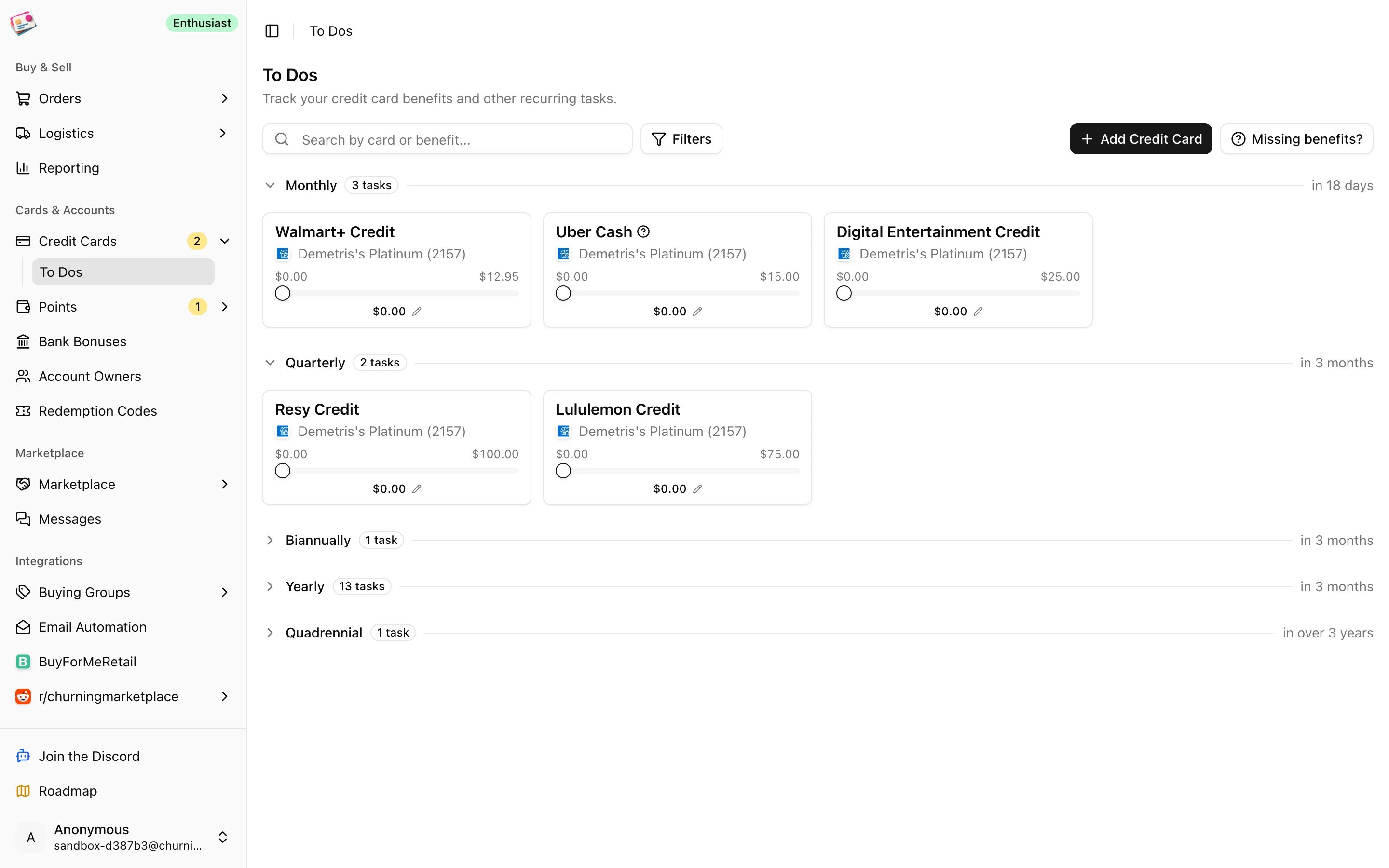
Premium cards come with credits that reset monthly, quarterly, or yearly, and it’s easy to let one lapse. The To Dos page under Cards & Accounts → Credit Cards lists every trackable benefit on your open cards, grouped by how often it renews, so you can tick them off as you use them. The same list appears on each card’s detail panel.
The To Dos page with benefits grouped by renewal period
Benefits are attached to card products by Churning Tracker, so you don’t have to enter them. If a card you hold is missing one, click Missing benefits? and tell us.

Periods

Each section header shows how many tasks are in it and when the current period ends. Anniversary and quadrennial benefits need the card’s open date; without it they’re greyed out with a prompt to set it.

Use a benefit

1

Mark it done

Click the benefit card. It turns green and counts as used for the current period. Click again to undo.
2

Record partial use

For dollar credits, drag the slider on the card to the amount you’ve used so far. The card gets a blue border until the period is complete. Clicking a partly used card completes it with the amount on the slider.
3

Add details

Hover the card and click Edit to set the exact amount used and add notes. Tick I don’t use this benefit to move it to the Ignored section; untick it later to bring it back.
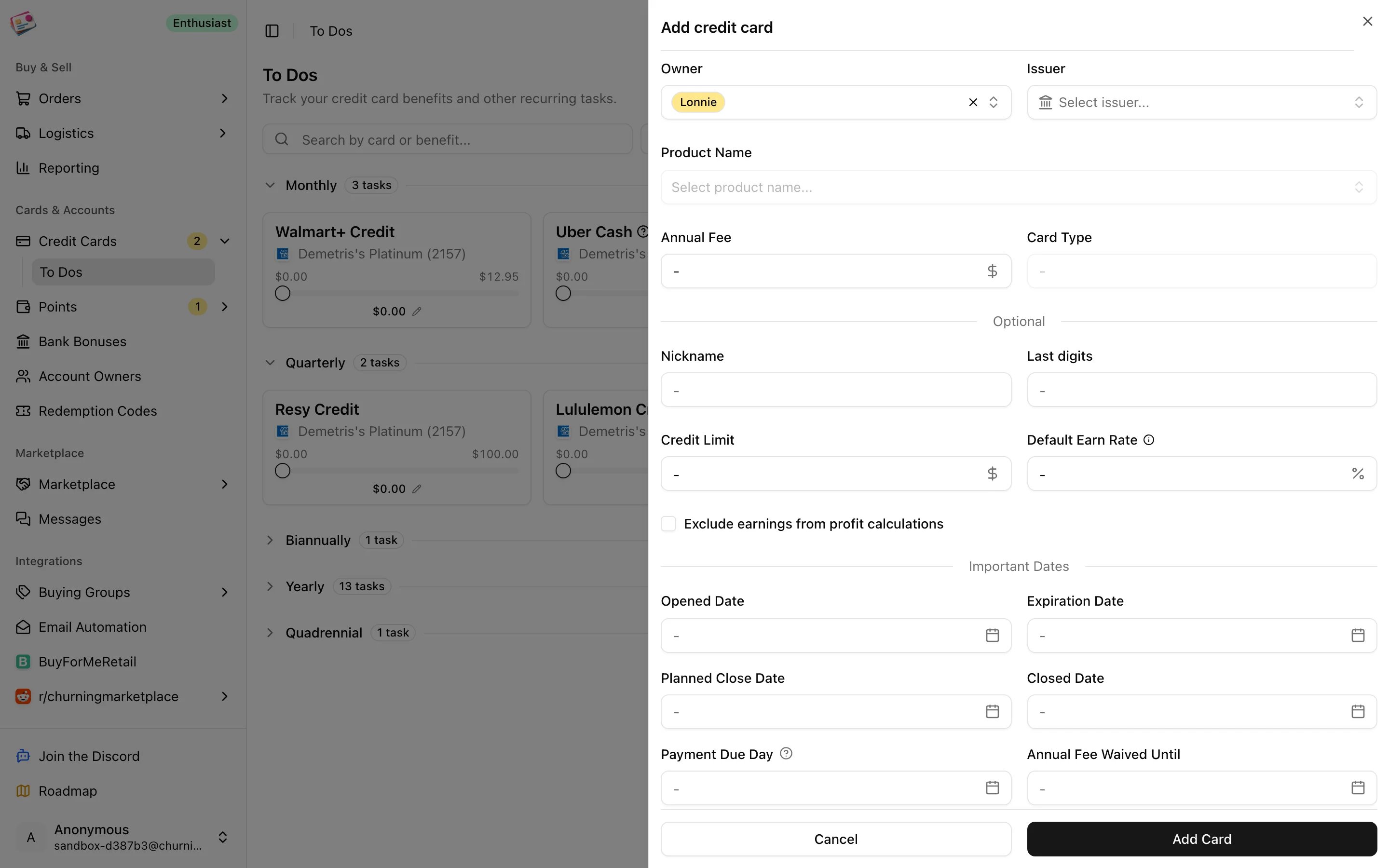
The edit dialog for a benefit with amount used, notes, and the ignore option
Completed benefits move to the Completed section until the period rolls over. History on any card shows every completed period with its date, amount, and notes, and lets you adjust the completion date within that period. The sidebar badge on Credit Cards counts benefits whose period ends within seven days. There are no email reminders for benefits.
On the Free plan, benefits are shown for your five open cards with the highest annual fees. Other cards show “This card does not have any trackable benefits” until you upgrade.