
Signing in
Sign in with Google, with a passkey, or with a code emailed to you that’s valid for ten minutes. Add a passkey under Settings → Security once you’re in, and you can skip the email code on that device from then on. There’s no password.Customization
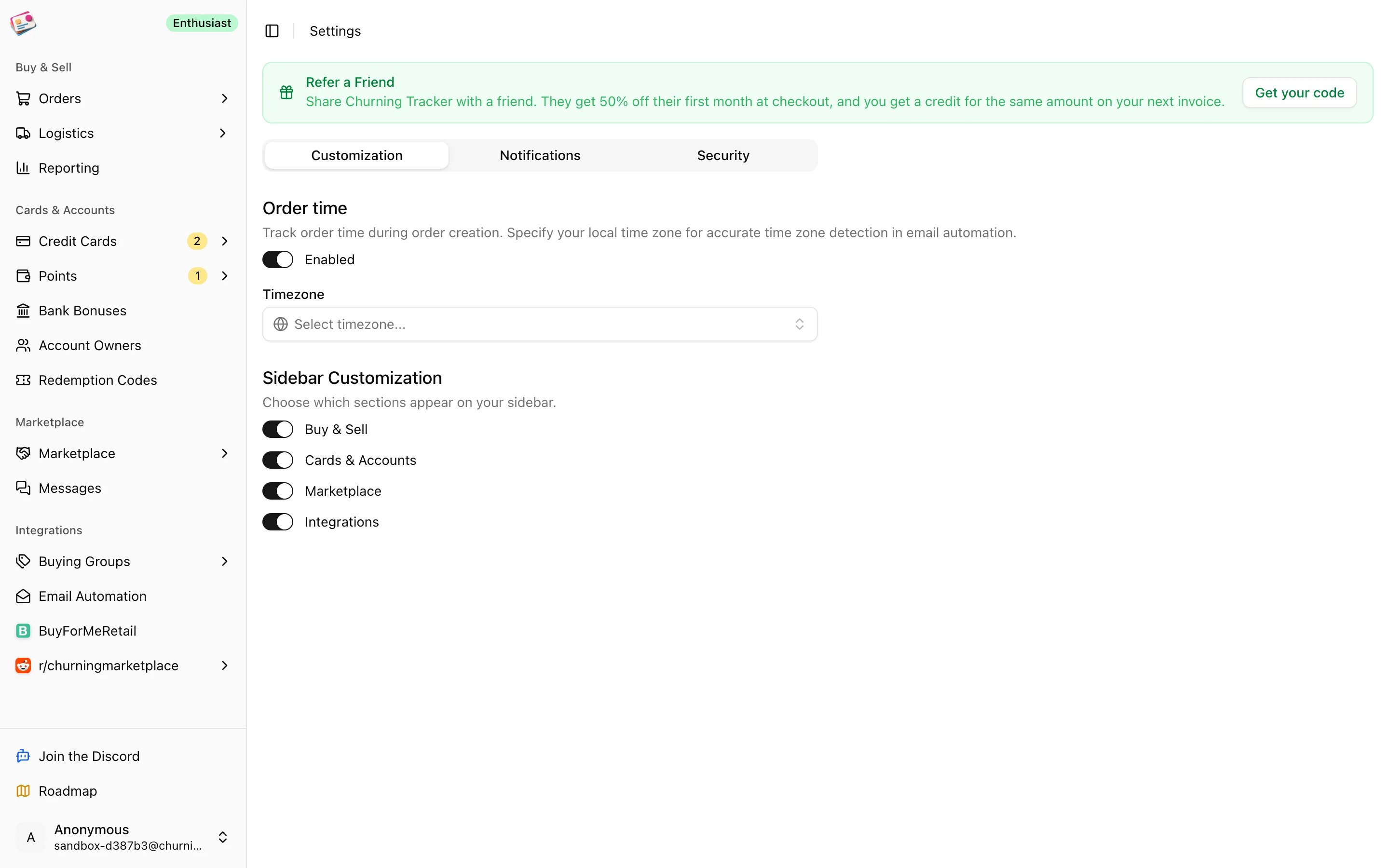
- Order time: adds a time field next to the order date on order forms, and sets the timezone used for orders created by email automation.
- Sidebar: hide whole sidebar groups you don’t use. The Buy & Sell, Cards & Accounts, Marketplace, and Integrations groups can each be switched off, as long as one stays.
Notifications
- Discord webhooks: one for marketplace alerts and one for buying group deal alerts. Paste a webhook URL and click Test connection; it’s saved only if the test message posts. Use the unlink icon to remove one.
- Marketing emails: product tips, feature updates, and offers.
- Reminder emails: reminders about card renewals and benefits.
Security
- Passkeys: add, rename, or remove the passkeys that can sign in to your account.
- Chrome Extension Access Code: generate the code the Chrome extension uses to connect, copy it, or regenerate it to cut off an old install.